The Micro Journal Rev. 5.1 is an open source writing device that looks like something rescued from a 1980s science-fiction film prop department. It is small. It folds shut. It features a tiny display designed to pair with your own keyboard and has almost no interest in doing anything except helping you write.
That narrow focus has turned the device into one of the most talked-about projects in the growing writerDeck movement, a community built around distraction-free writing machines. While large companies such as Astrohaus and Alphasmart have commercialized the idea with products like the Freewrite and Neo, the Micro Journal takes a different path. It is open source, hand-built, customizable, and deeply personal.
What Is the Micro Journal Rev. 5.1?
The Micro Journal Rev. 5.1 is a portable writing device designed by Korean maker and engineer Un Kyu Lee. It belongs to a series of writerDecks that strip computing down to a single task: putting words on the page.
Unlike a laptop, the Micro Journal does not run a web browser, email client, messaging app, or social media feed. It boots directly into a writing environment. Users type, save, and synchronize text files. That is the experience.
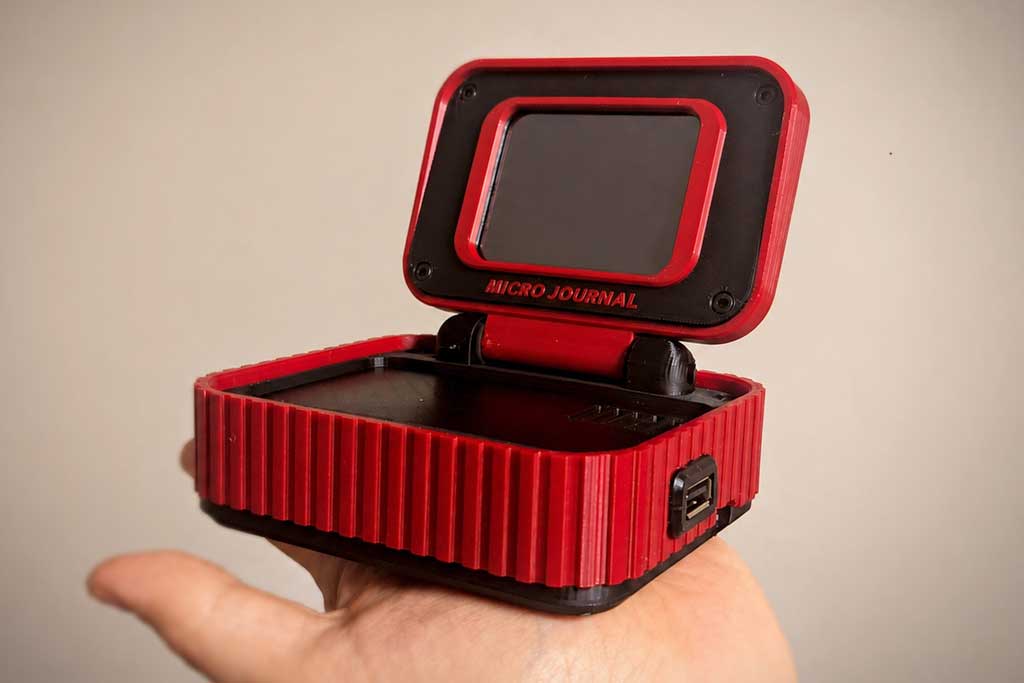
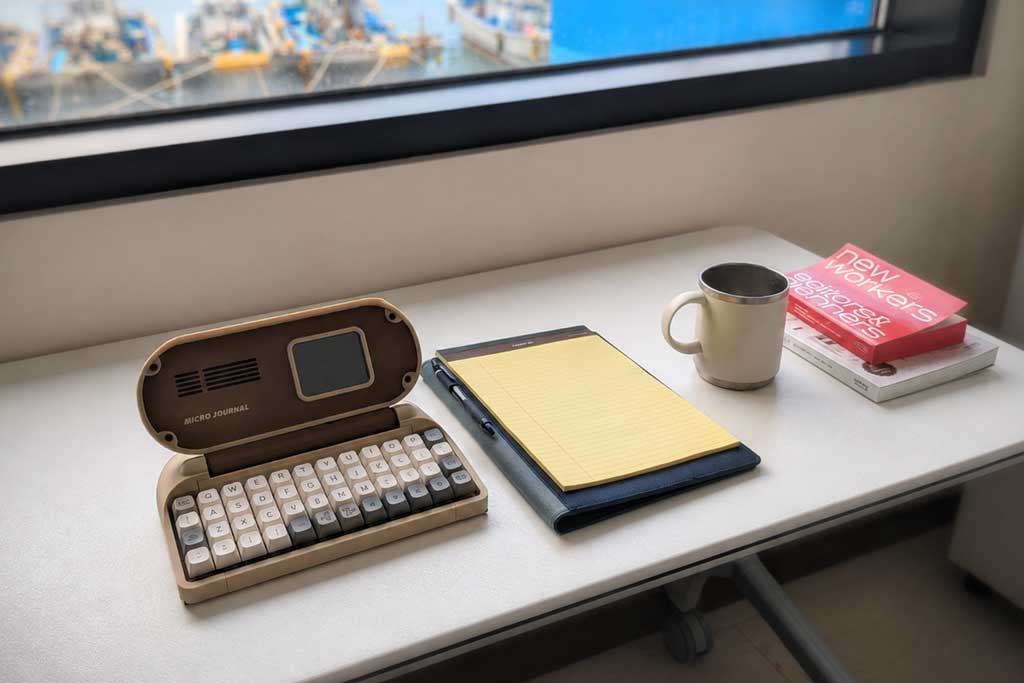
The Rev. 5.1 model sits at an interesting point in the project’s evolution. Earlier Micro Journal devices often included built-in keyboards. Rev. 5.1 shifts toward a compact clamshell design built around an external keyboard, allowing writers to choose the typing experience they prefer. It retains the compact form factor that helped establish the series while benefiting from years of refinements made across multiple revisions.
Who Made It?
Lee began developing Micro Journal as a personal project and gradually documented the process through maker communities, GitHub, YouTube, and the writerDeck subreddit. Over time, the project attracted a dedicated audience of writers, hobbyists, programmers, and keyboard enthusiasts.
One reason for its popularity is transparency. The project’s hardware designs, firmware, and build documentation are publicly available, allowing users to assemble their own machines or modify existing designs.
How Does It Work?
At its core, the Micro Journal is a text editor connected to a display and an external keyboard. The microcomputer offers near-instant startup with text automatically saved to storage. Depending on configuration, files can later be synchronized and exported as plain-text documents.
One of the most useful additions in recent revisions is cloud synchronization. Users can connect the device to Wi-Fi and automatically sync drafts to services such as Google Drive. Those text files can then be opened on virtually any modern computer, including Windows PCs, Macs, Linux systems, Chromebooks, tablets, and phones.
The device also supports local storage through a microSD card. Writers who prefer not to use cloud services can move text files manually between the Micro Journal and a computer.
The philosophy is deliberate. Many revisions of the Micro Journal discourage constant editing and scrolling. Some versions limit how much previously written text remains visible on screen, encouraging writers to continue moving forward rather than endlessly revising.
How Do You Type on It?
he Rev. 5.1 connects to an external keyboard rather than using a permanently attached one.
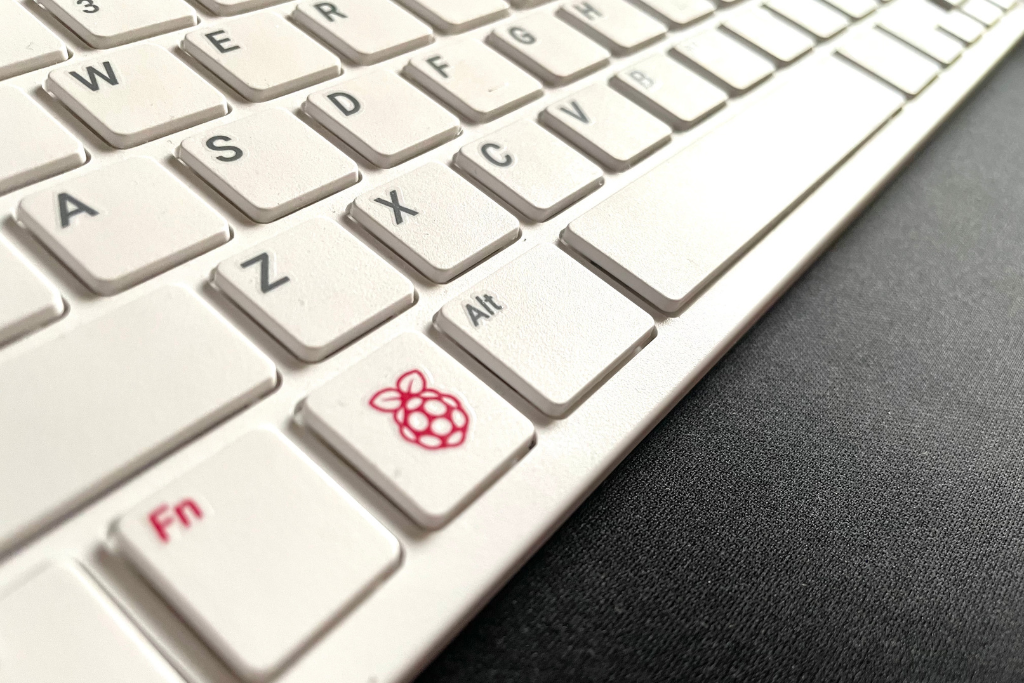
One of the device’s strengths is flexibility. Most standard USB keyboards work, including:
- Full-size office keyboards
- Mechanical keyboards
- Tenkeyless (TKL) keyboards
- Compact 60%, 65%, and 75% layouts
- Many wireless keyboards that use USB receivers
- Many Bluetooth keyboards, depending on firmware configuration
The safest choice is a standard USB keyboard that follows the common HID (Human Interface Device) standard. Many custom mechanical keyboards built with QMK or VIA firmware also work without issue.
Unlike stenography machines or chorded keyboards, the standard Micro Journal setup uses familiar typing methods. Writers type normally using whatever switches, keycaps, and layouts they already enjoy.
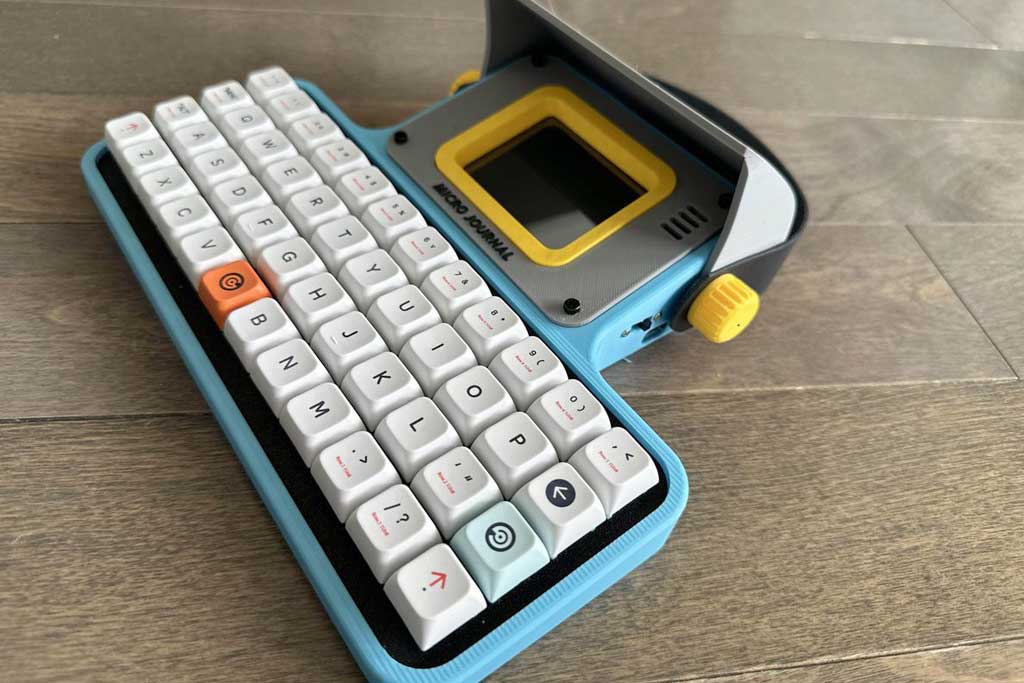
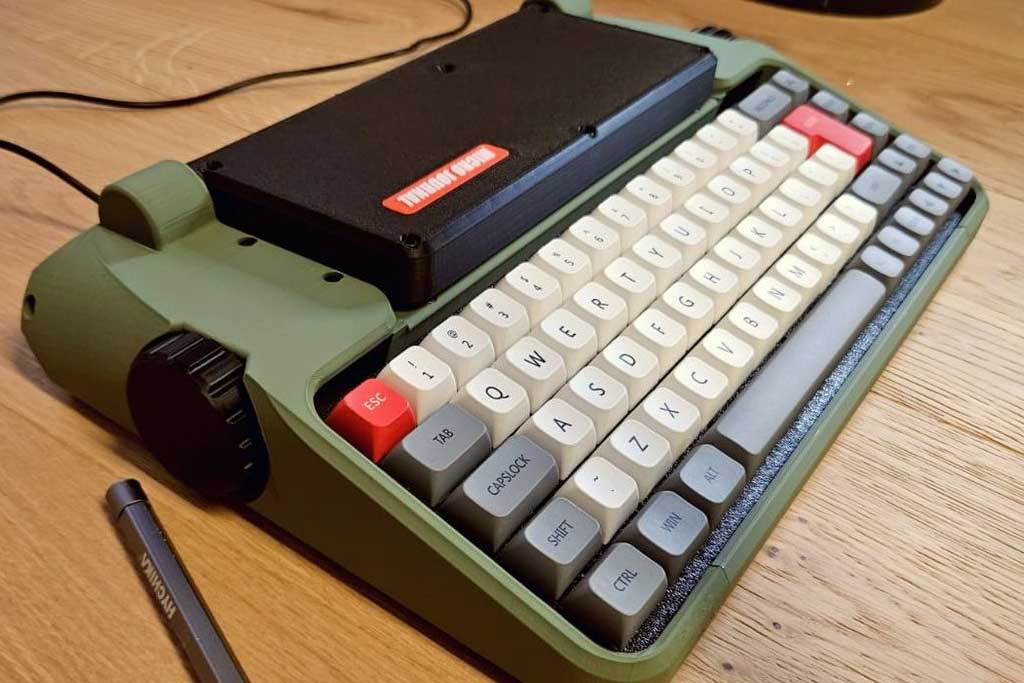
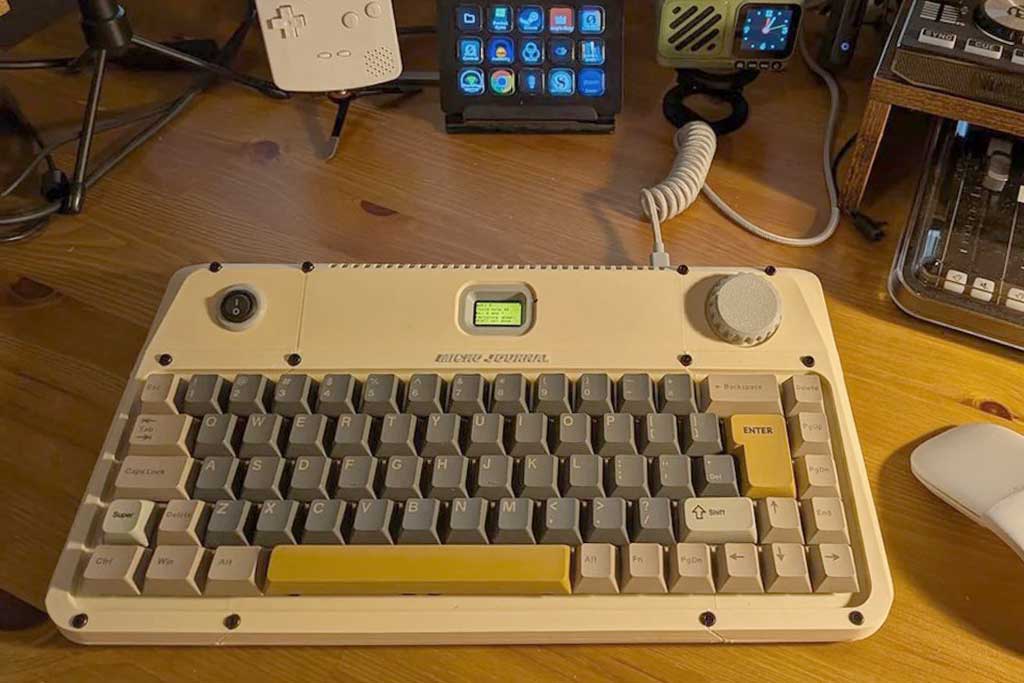
The typing experience is frequently cited as one of the device’s strongest features. Many owners customize switches, keycap sets, and layouts to create a machine tailored to their preferences. Community photos show everything from minimalist monochrome builds to brightly colored retro-inspired designs.
Because the display is intentionally small, users tend to focus on the current sentence or paragraph rather than an entire document. The screen functions less like a page and more like a narrow window into a stream of text.
Sync the Micro Journal With Your Computer
The Micro Journal is its own standalone writing device. Writers draft on the Micro Journal itself, then transfer or synchronize the resulting text files to another computer for editing, formatting, or publication. Once synced or exported, those plain-text files can be opened in:
- Microsoft Word
- Google Docs
- Scrivener
- Obsidian
- Apple Pages
- LibreOffice
- Ulysses
- TextEdit
- Notepad
The workflow separates drafting from editing, which many owners consider one of the device’s most valuable qualities.
How Do You Get One?
There are two paths to acquiring a device.
Option 1: Buy a Prebuilt Unit
Lee sells assembled Micro Journal devices through his Tindie store.
Official Store: Tindie Store by Un Kyu Lee
Note on Availability: Stock varies because production is largely done in small batches rather than mass manufacturing. Buyers often wait for specific revisions or colorways to become available.
Option 2: Build Your Own
The project is entirely open source. Design files, firmware, assembly guides, and documentation are available through GitHub.
-
Project Repository: Micro Journal GitHub Repository
Builders can source components themselves, print enclosure parts, assemble electronics, and customize nearly every aspect of the machine. This DIY approach has become a major part of the project’s appeal.
Who Is Using Micro Journal?
The audience spans several overlapping communities.
-
Novelists and Journal Writers: Many owners use the device for drafting fiction, journaling, and long-form writing. Discussions frequently center on word counts, writing sessions, and techniques for maintaining focus.
-
Mechanical Keyboard Enthusiasts: The device intersects naturally with the custom keyboard hobby. Switch selection, keycap sets, and typing feel are recurring themes among users.
-
Makers and Open-Source Hardware Fans: The ability to modify hardware and software attracts people who enjoy building devices as much as using them.
-
Digital Minimalists: Some users view the Micro Journal as a response to modern computing. The device offers no notifications, feeds, or browser tabs competing for attention.
Public Reception
Reception has been remarkably positive for a niche device. The writerDeck community regularly posts photos, writing logs, customization projects, and enthusiastic reviews.Users describe the devices as enjoyable to type on and effective at reducing distractions during drafting sessions.
PCWorld described the broader Micro Journal line as beloved by a “small but devoted group of writers.” That assessment matches the community response surrounding recent revisions.
Not every reaction is glowing. Some writers find the editing limitations restrictive. Others wish for larger displays, more navigation tools, or richer document management features. A few users have reported setup quirks and hardware troubleshooting issues common to small-batch electronics projects.
The WriterDeck Movement
The success of Micro Journal reflects a larger trend. WriterDecks have emerged as a distinct category of hardware aimed at people who want fewer digital distractions. Most combine a keyboard, small display, and lightweight software environment into a machine dedicated almost entirely to writing.
Some devices cost hundreds of dollars. Others are built from Raspberry Pi boards and 3D-printed parts. The Micro Journal occupies a middle ground, offering an accessible entry point while preserving the DIY spirit that helped define the movement. The Micro Journal Rev. 5.1 arrived during a period when software companies were racing to add more features, more automation, and more artificial intelligence to writing tools.